
Events
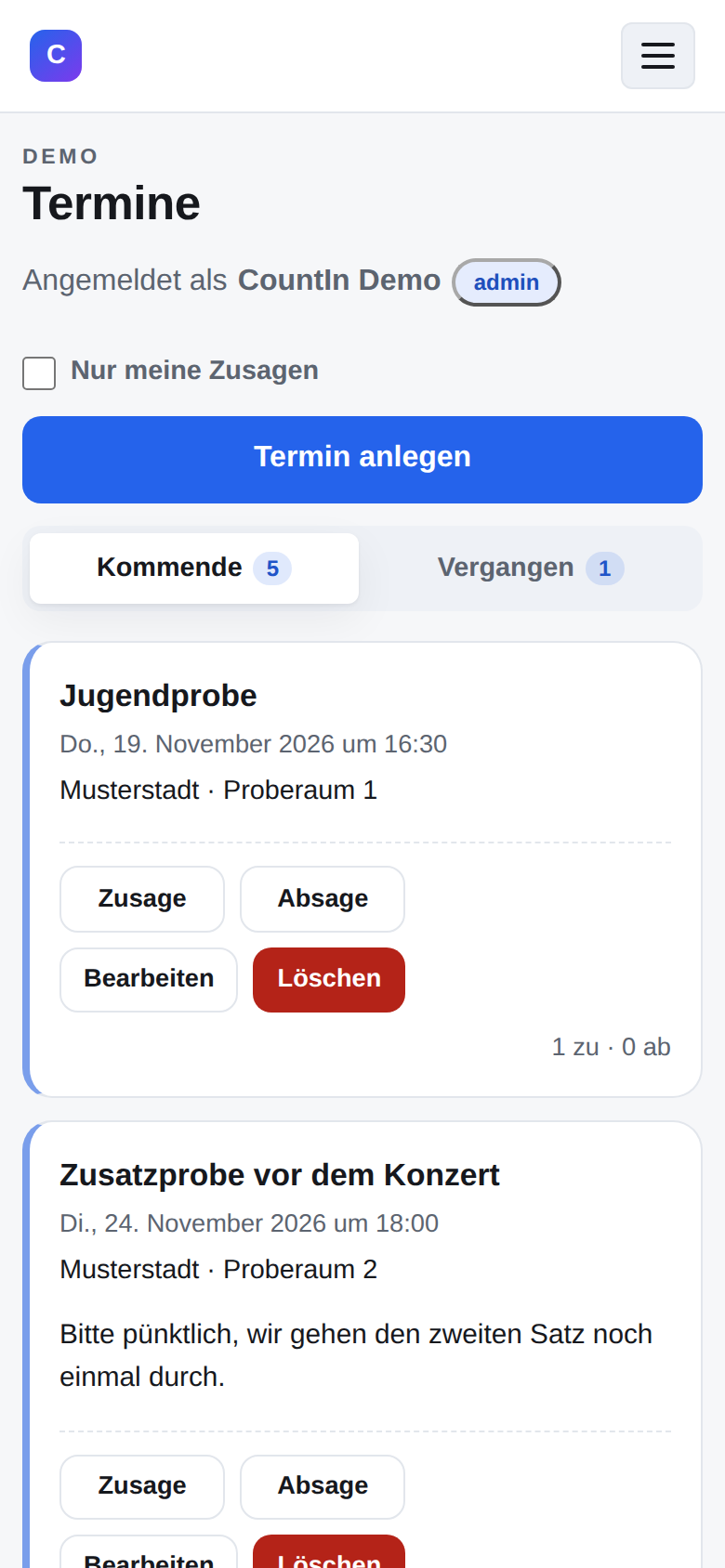
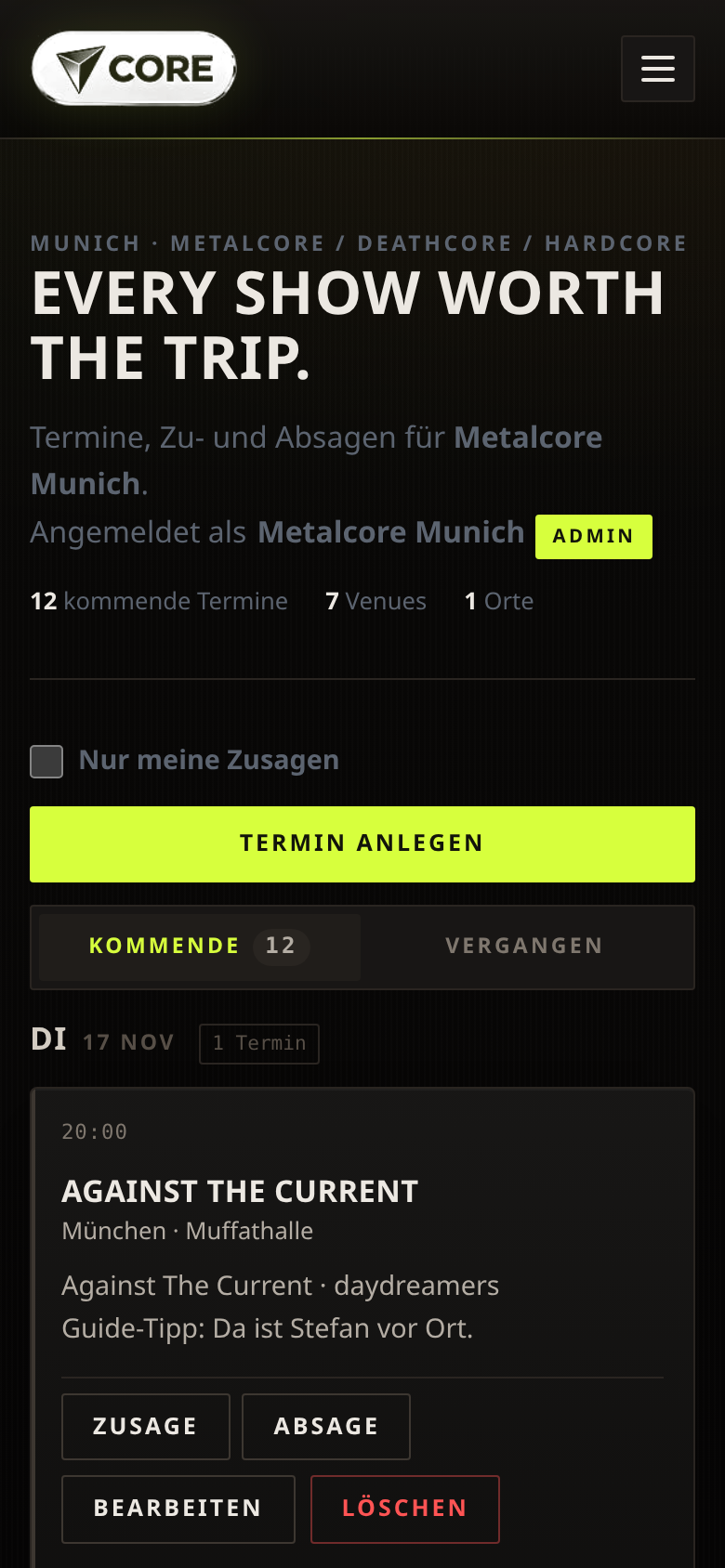
Upcoming and past events in two tabs, counters on the tabs. Filter by city and “only my RSVPs”. Title, city, venue, date/time and an optional description.
Product
Plan events, collect yes/no responses, keep the overview – for clubs, bands, teams and organisers. No passwords, no installation.
Register in the demo and request access – approval is done manually. Once you are approved, you can try everything.
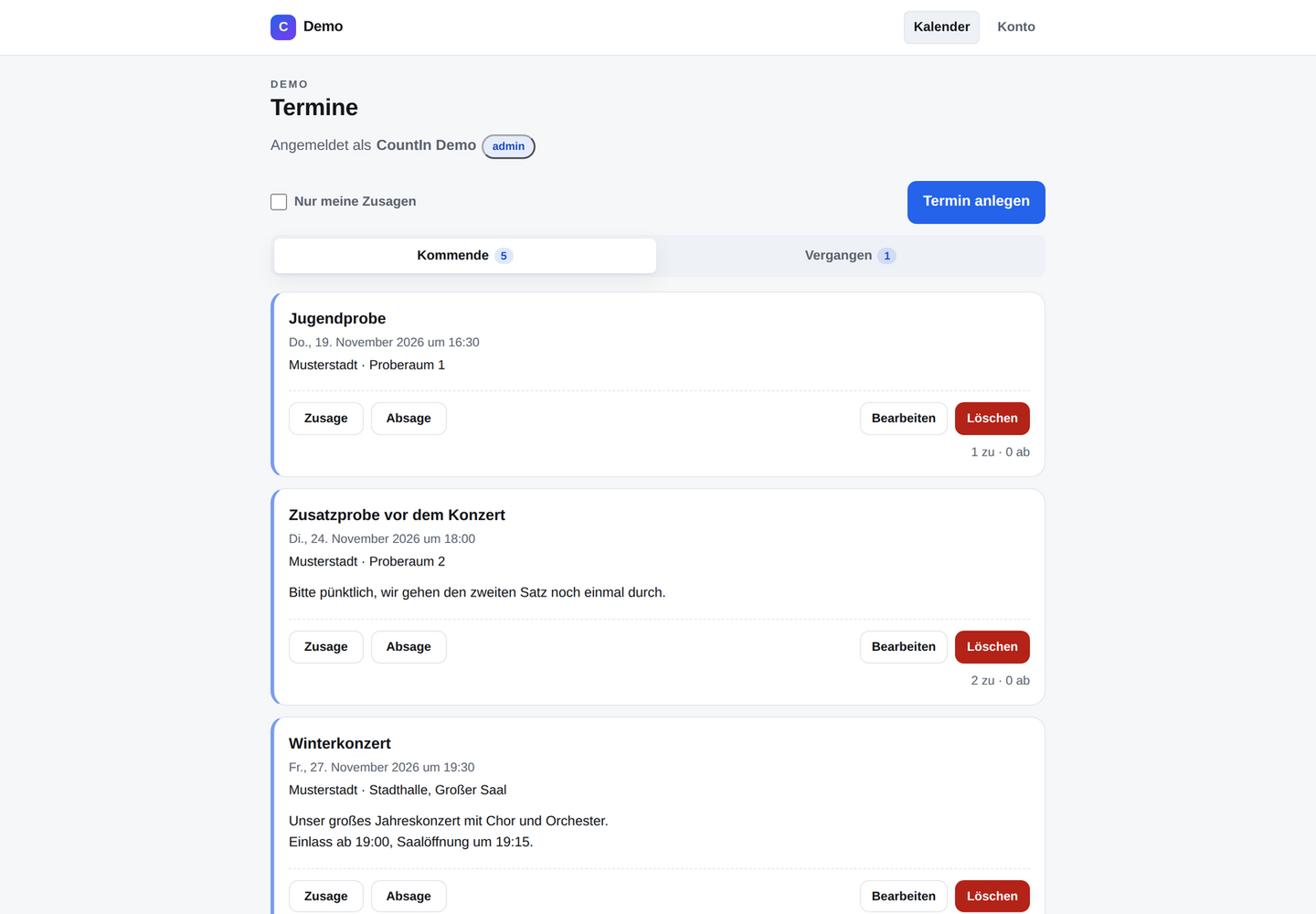
Anyone who organises events regularly knows the problem: the list lives in a spreadsheet, responses arrive in chat, and in the end the overview is missing. CountIn brings exactly that together in one place.
Each team has its own space with its own events and members. Once signed in, you only see your own events – other teams stay invisible. No more chat chaos: everyone answers once in the calendar and the overview updates for the whole group.
Screenshots
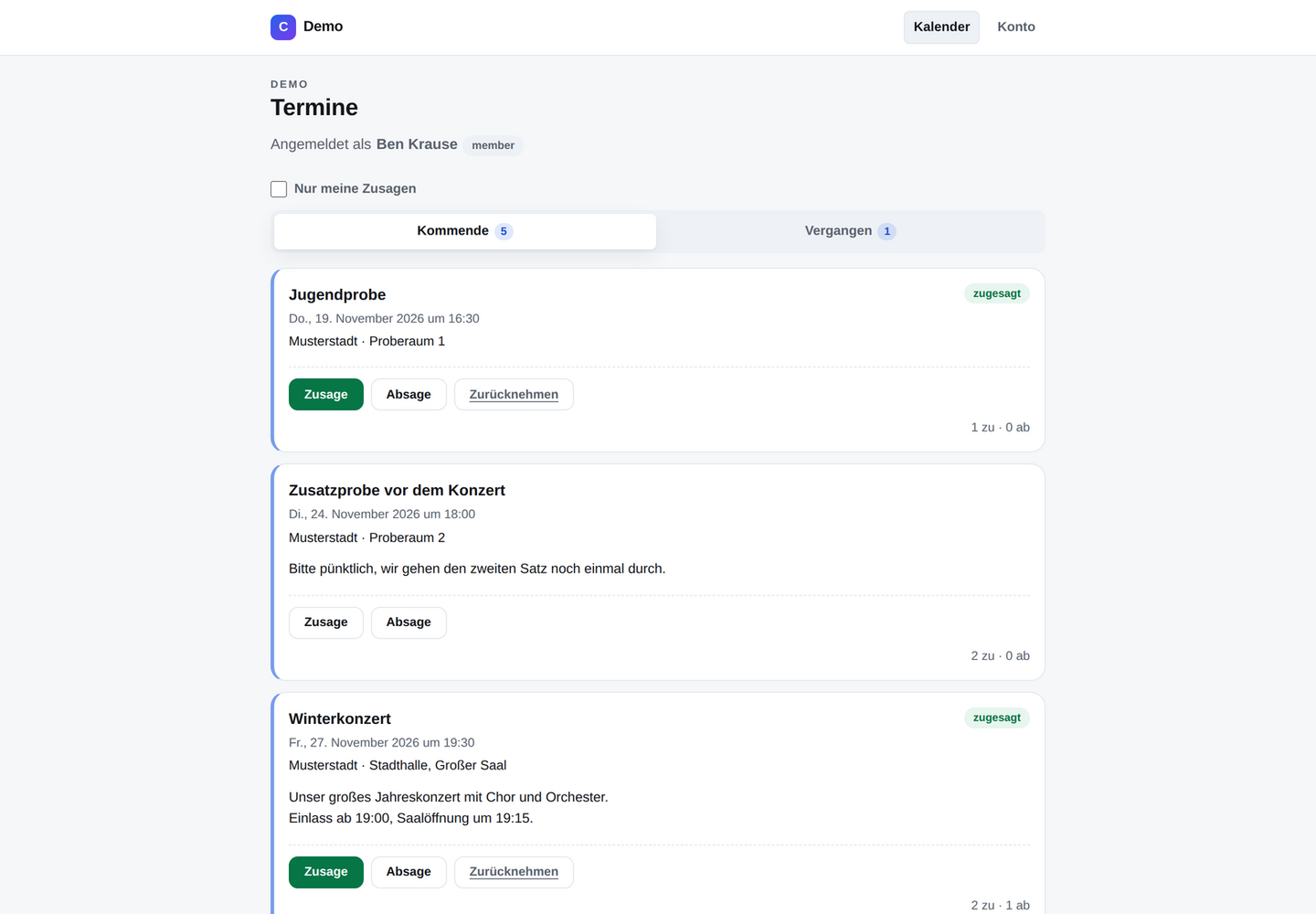
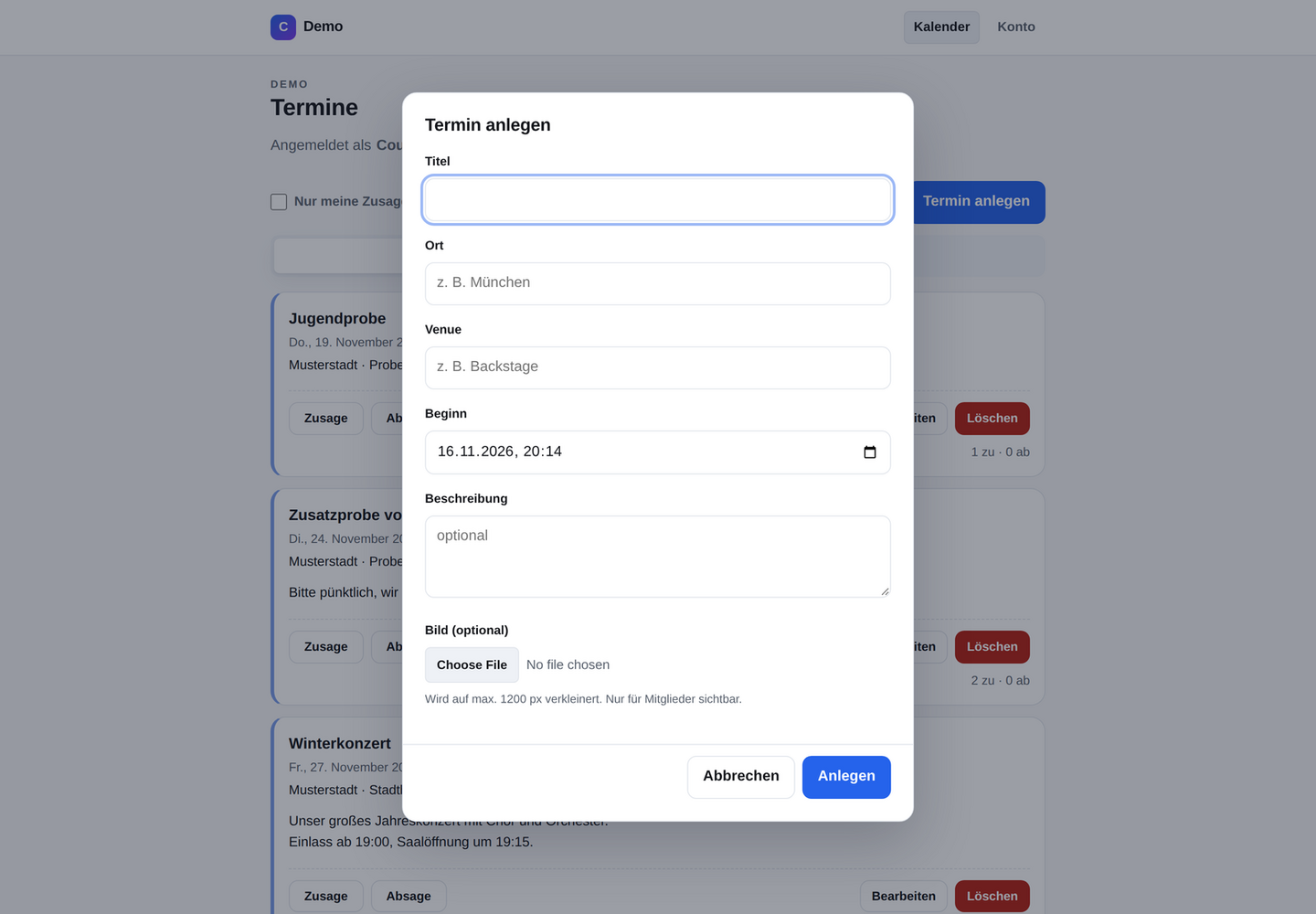
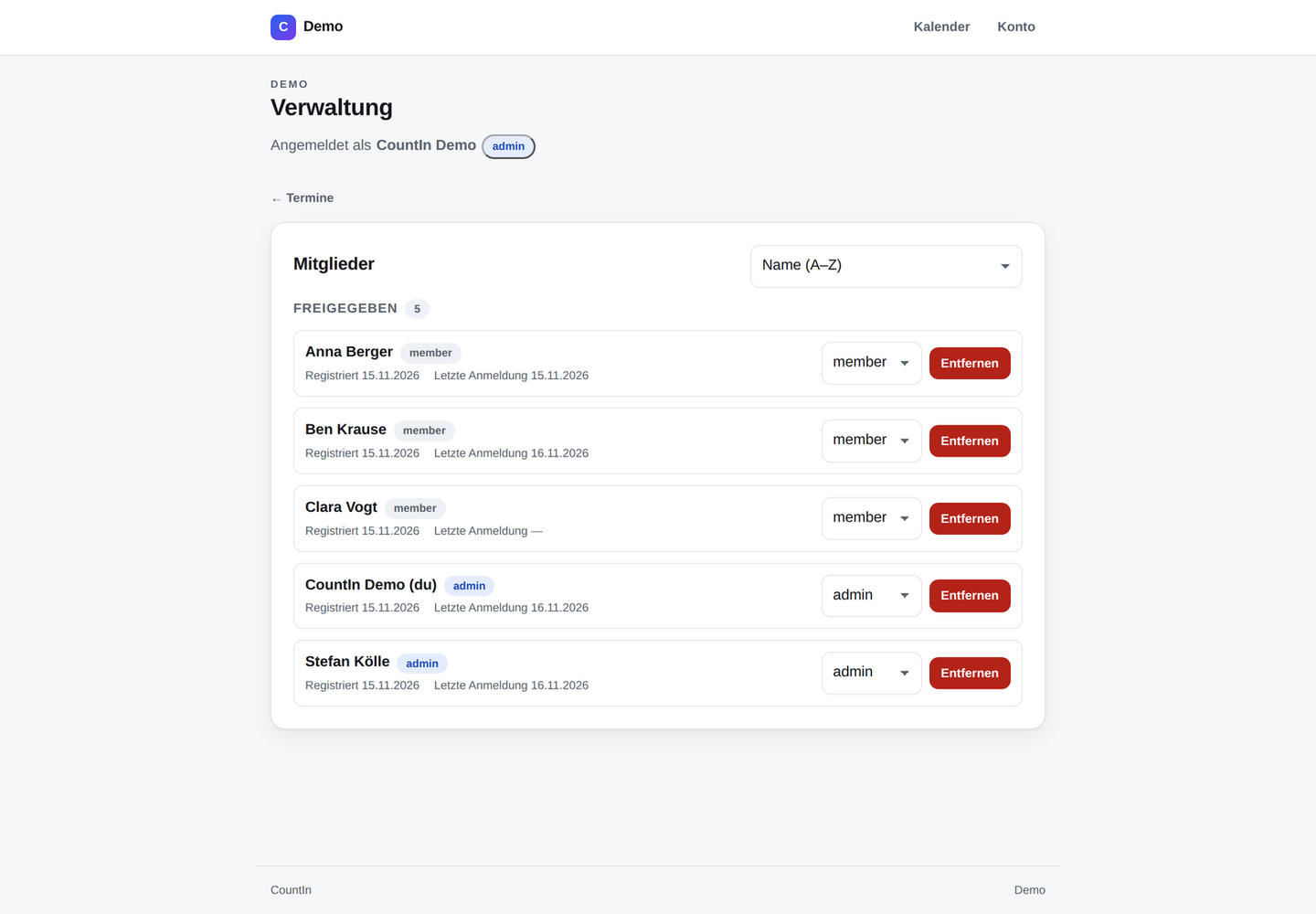
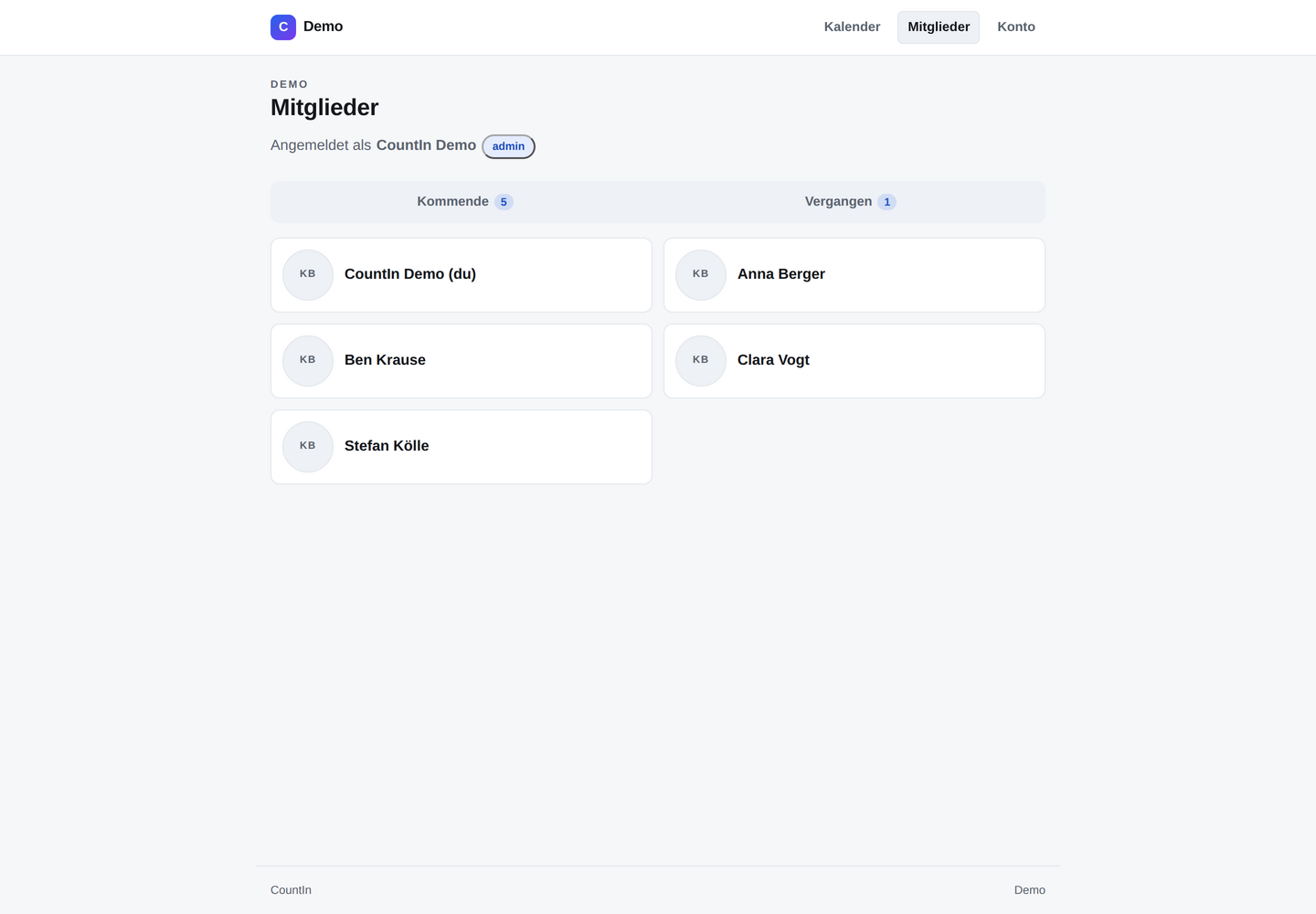
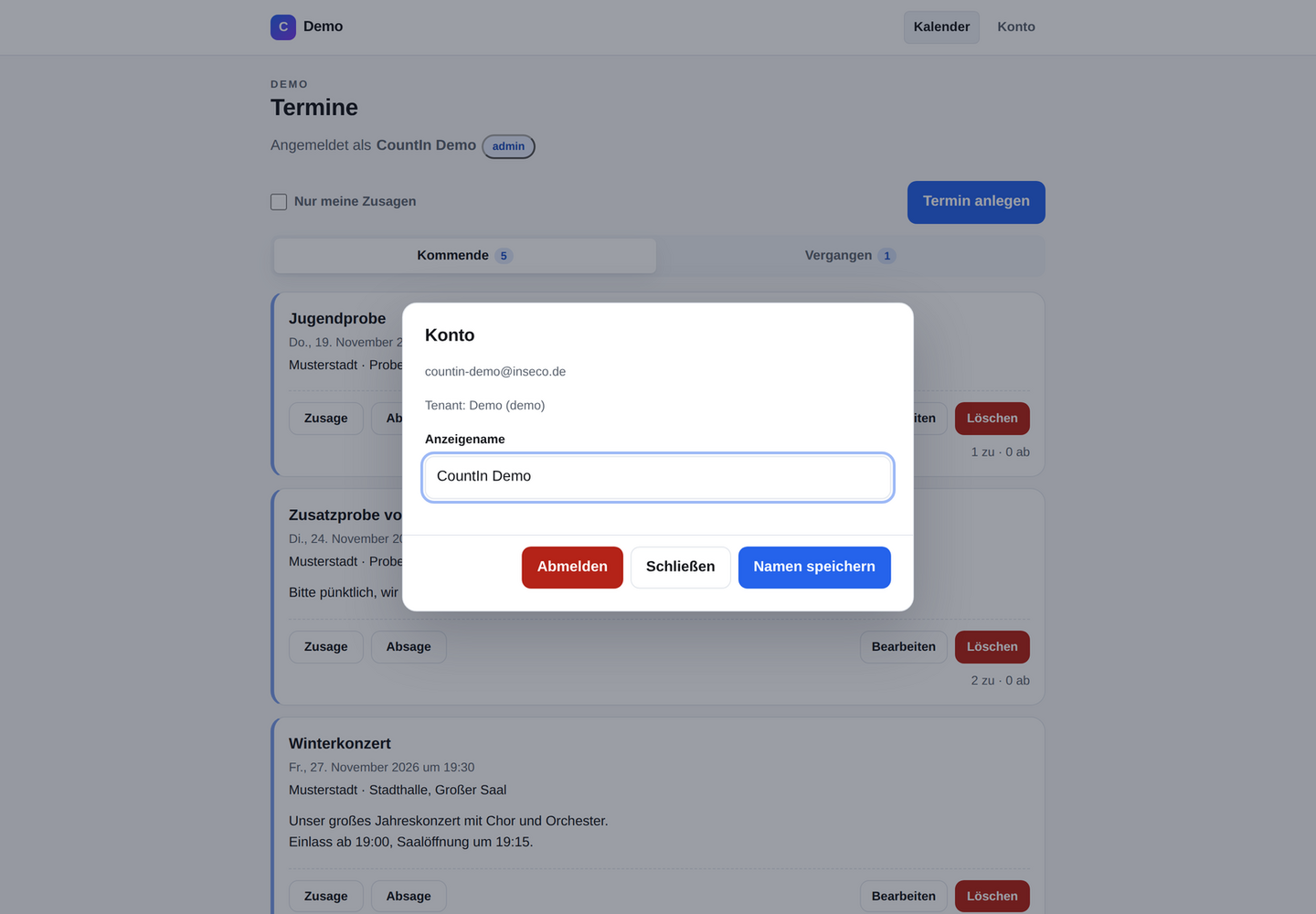
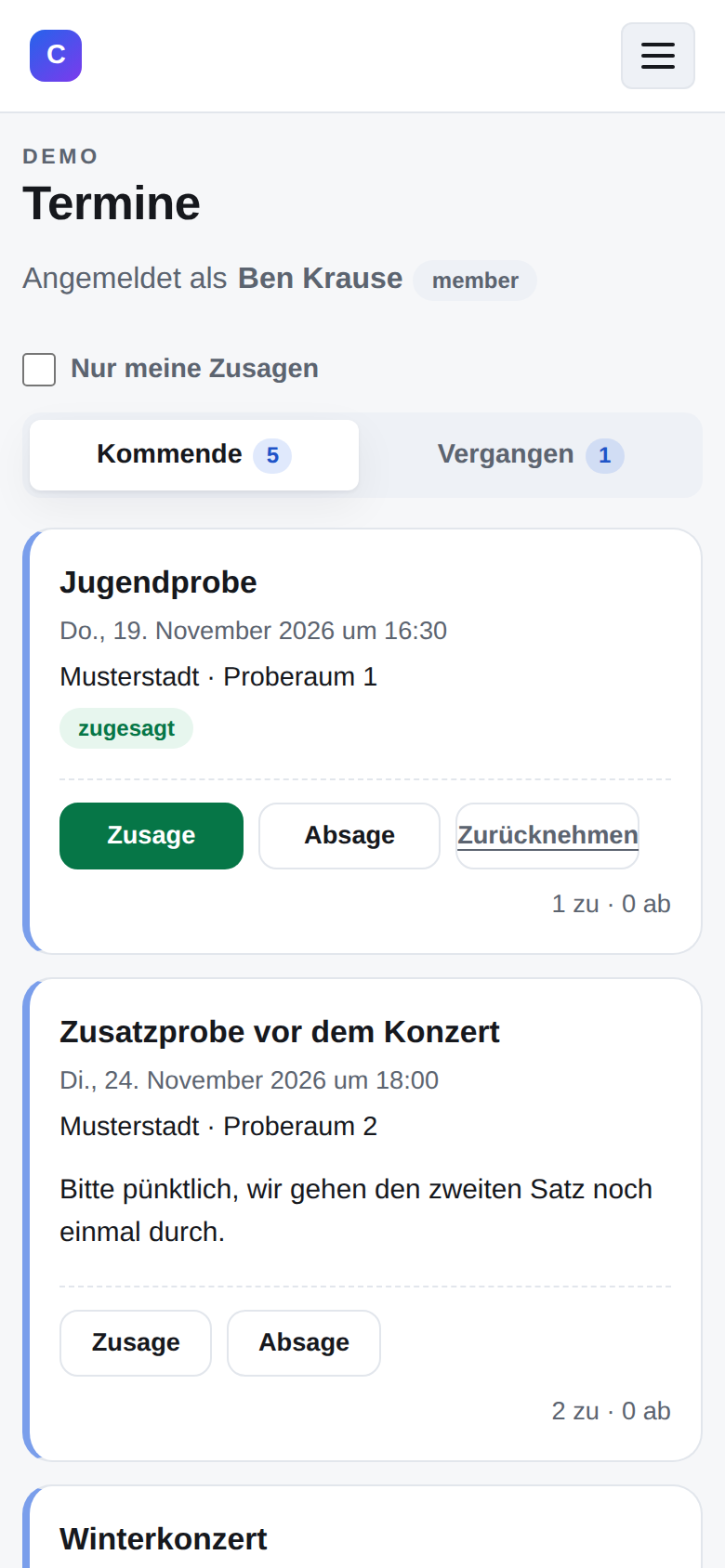
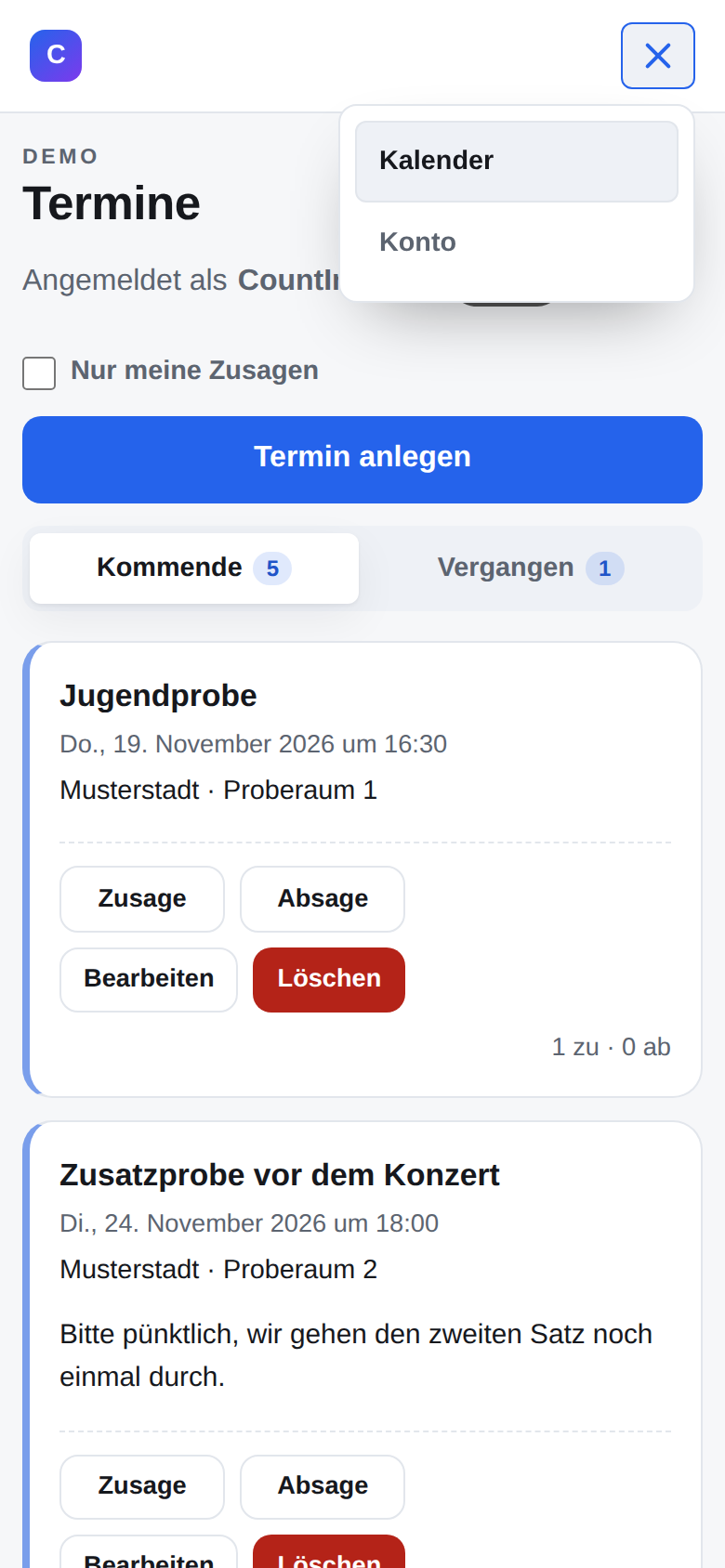
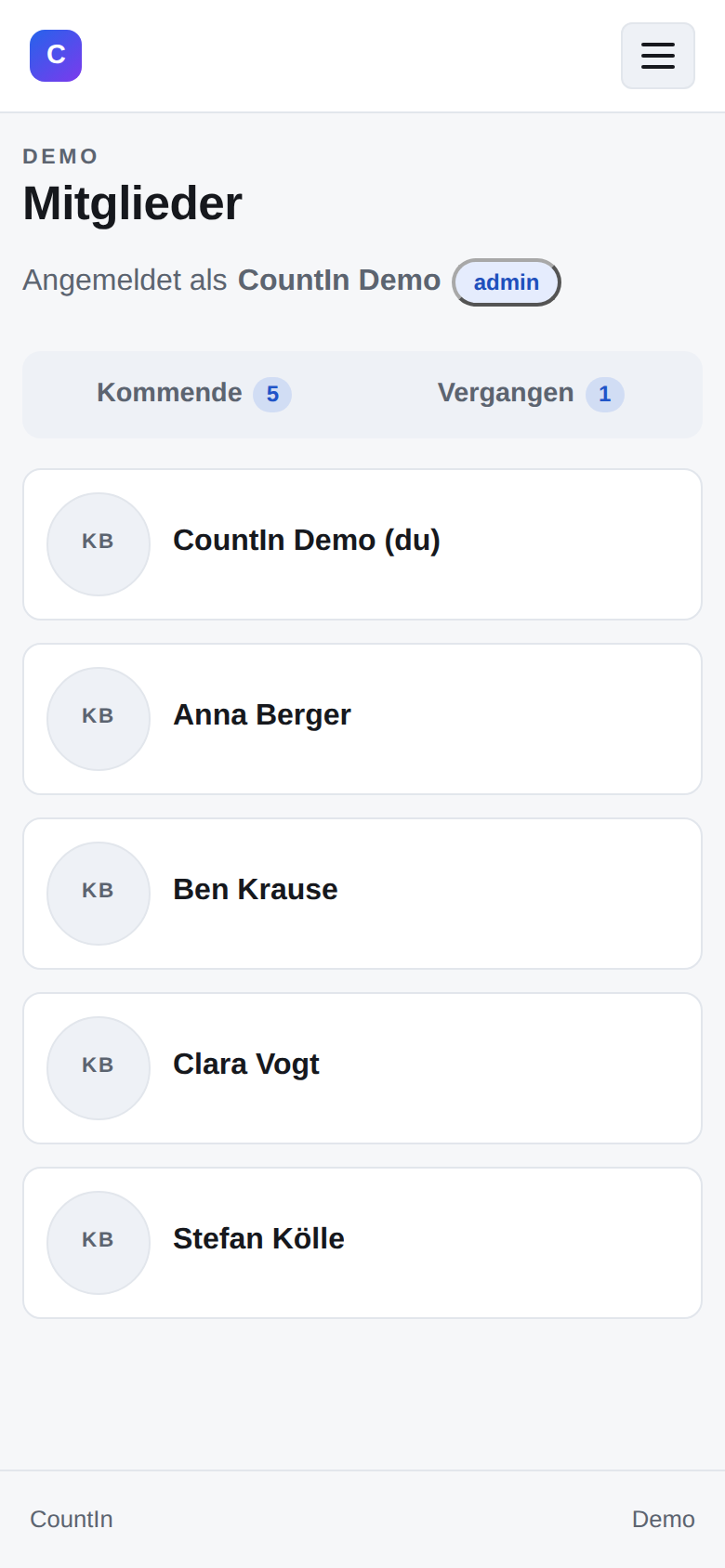
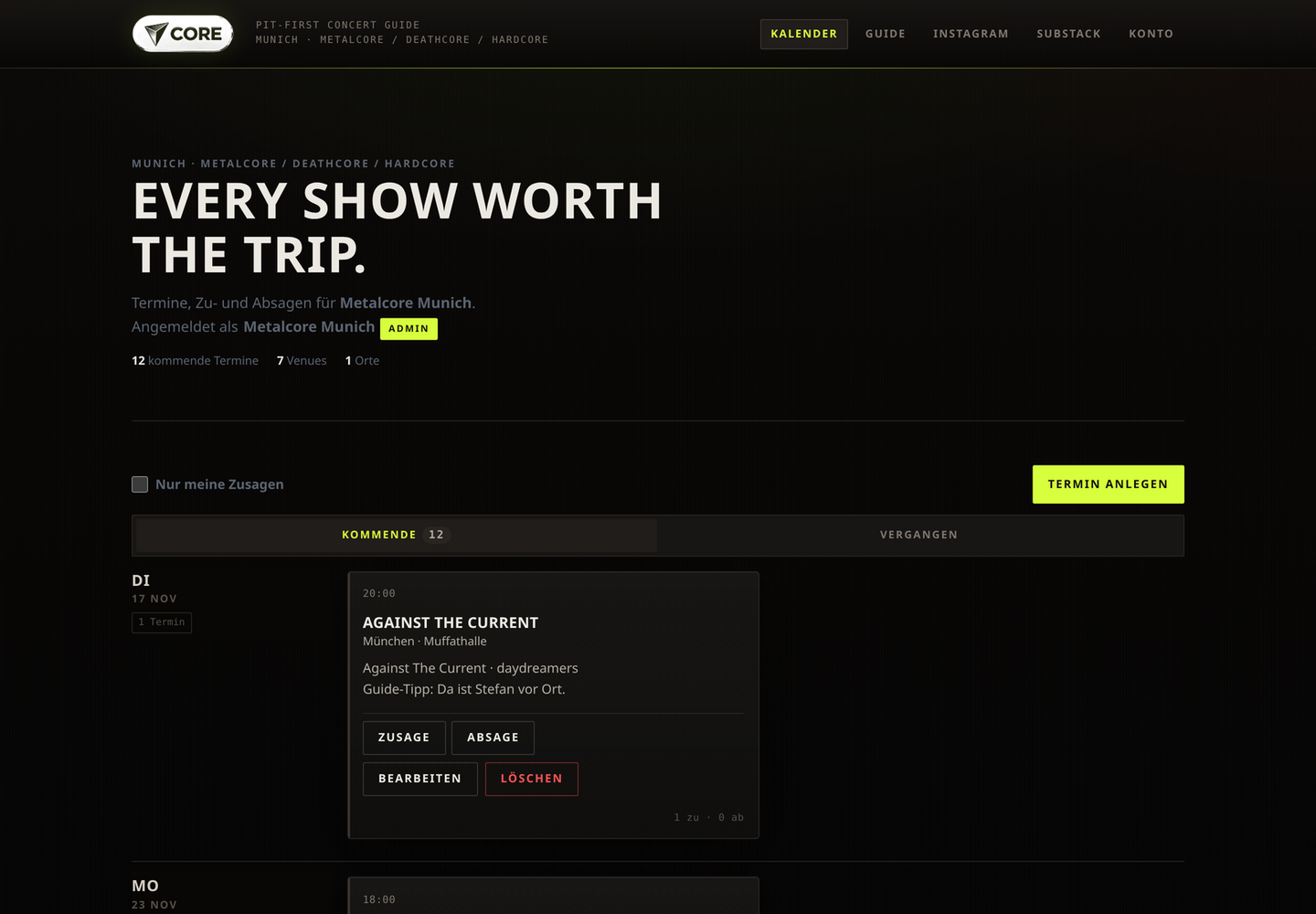
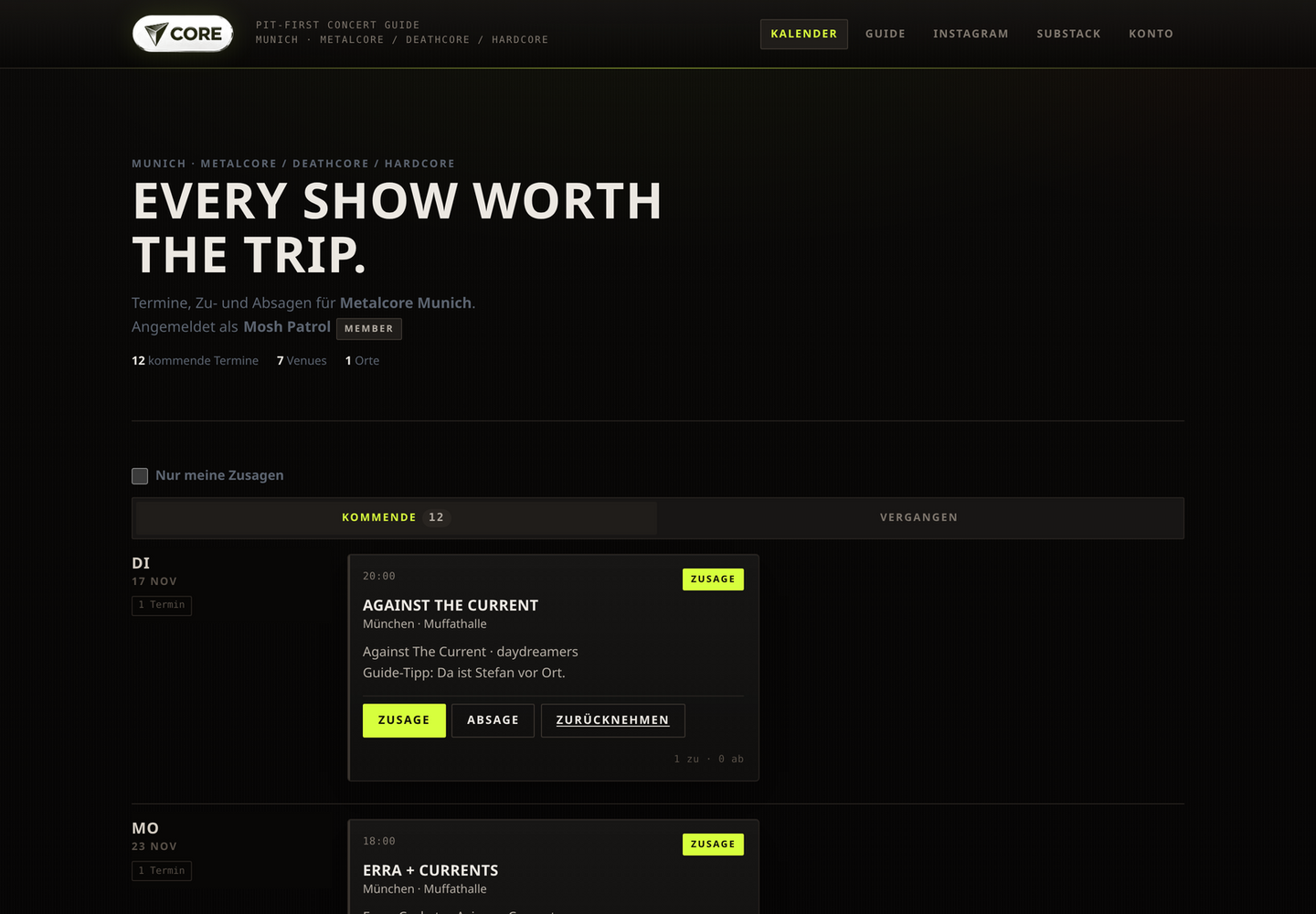
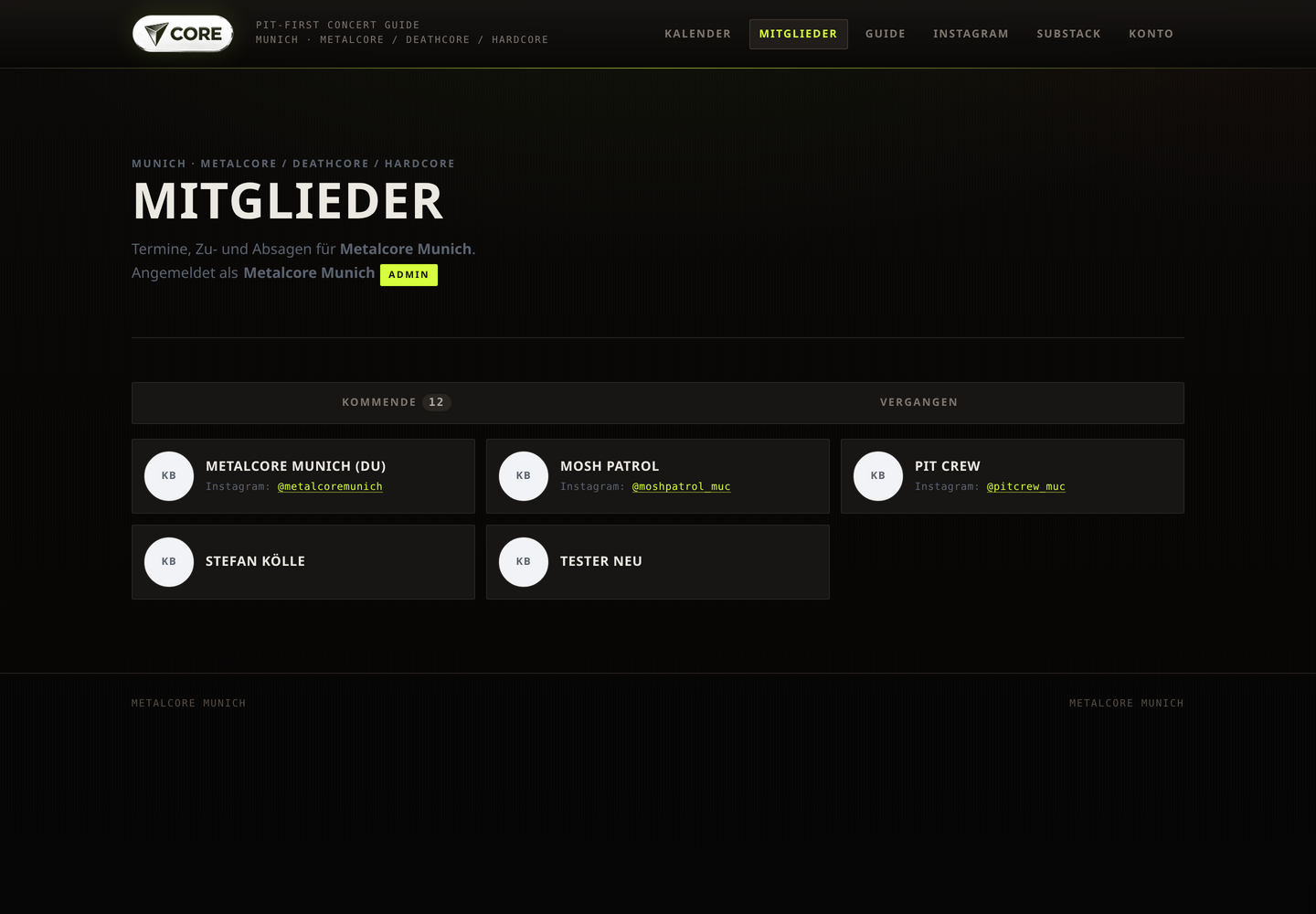
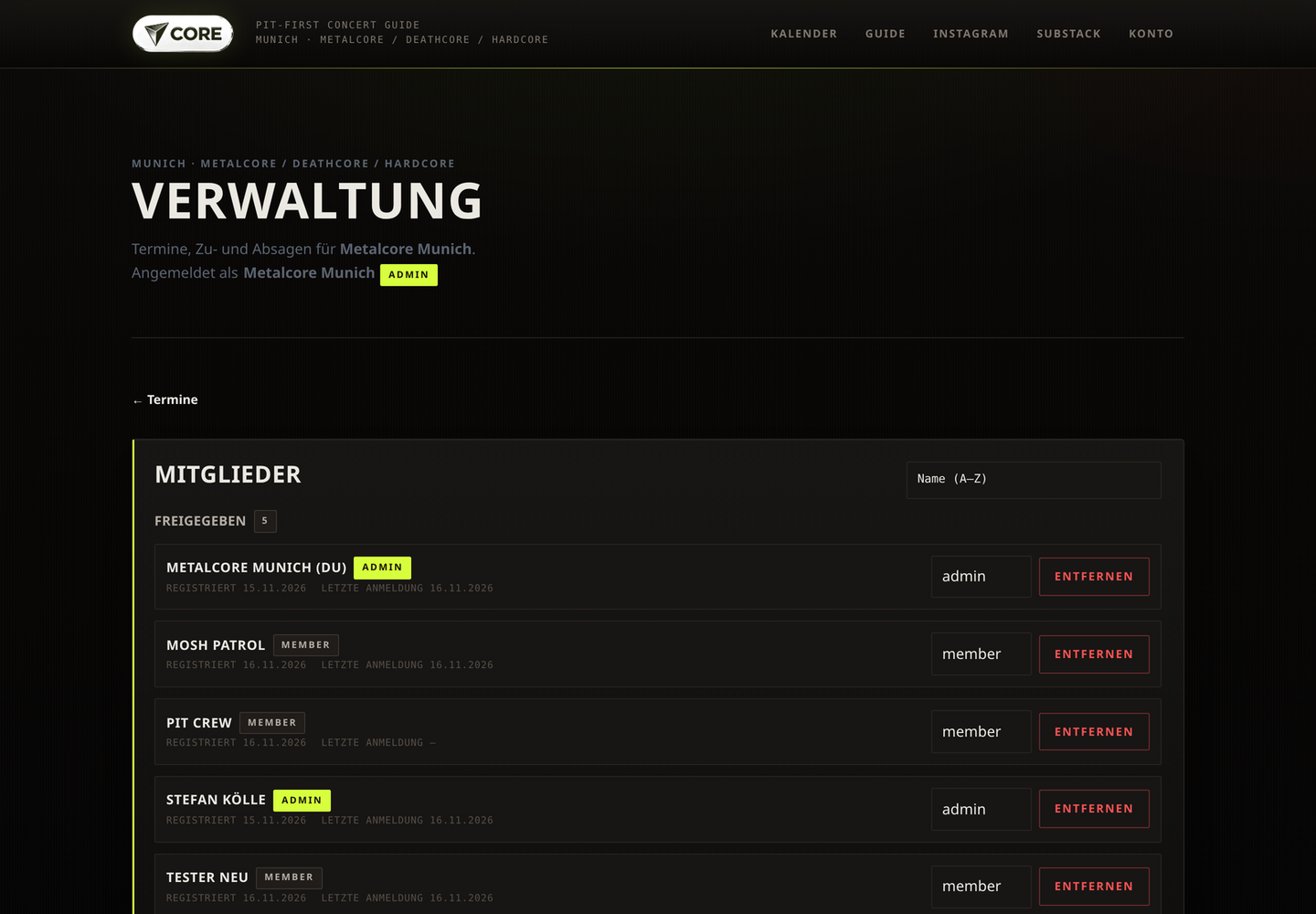
The demo is the light default look as a card list. Click any image to open it at full size.
Layouts
One shared core, several interchangeable surfaces. Each team gets its own CSS, logo and colours – structure and every feature stay identical.
Features
Upcoming and past events in two tabs, counters on the tabs. Filter by city and “only my RSVPs”. Title, city, venue, date/time and an optional description.
Optionally one image per event: resized client-side to max. 1200 px, stored privately and visible to members only through short-lived signed URLs.
One click on “yes” or “no”, revocable at any time. A counter per event (“2 yes · 1 no”) and all names: yes first, no struck through.
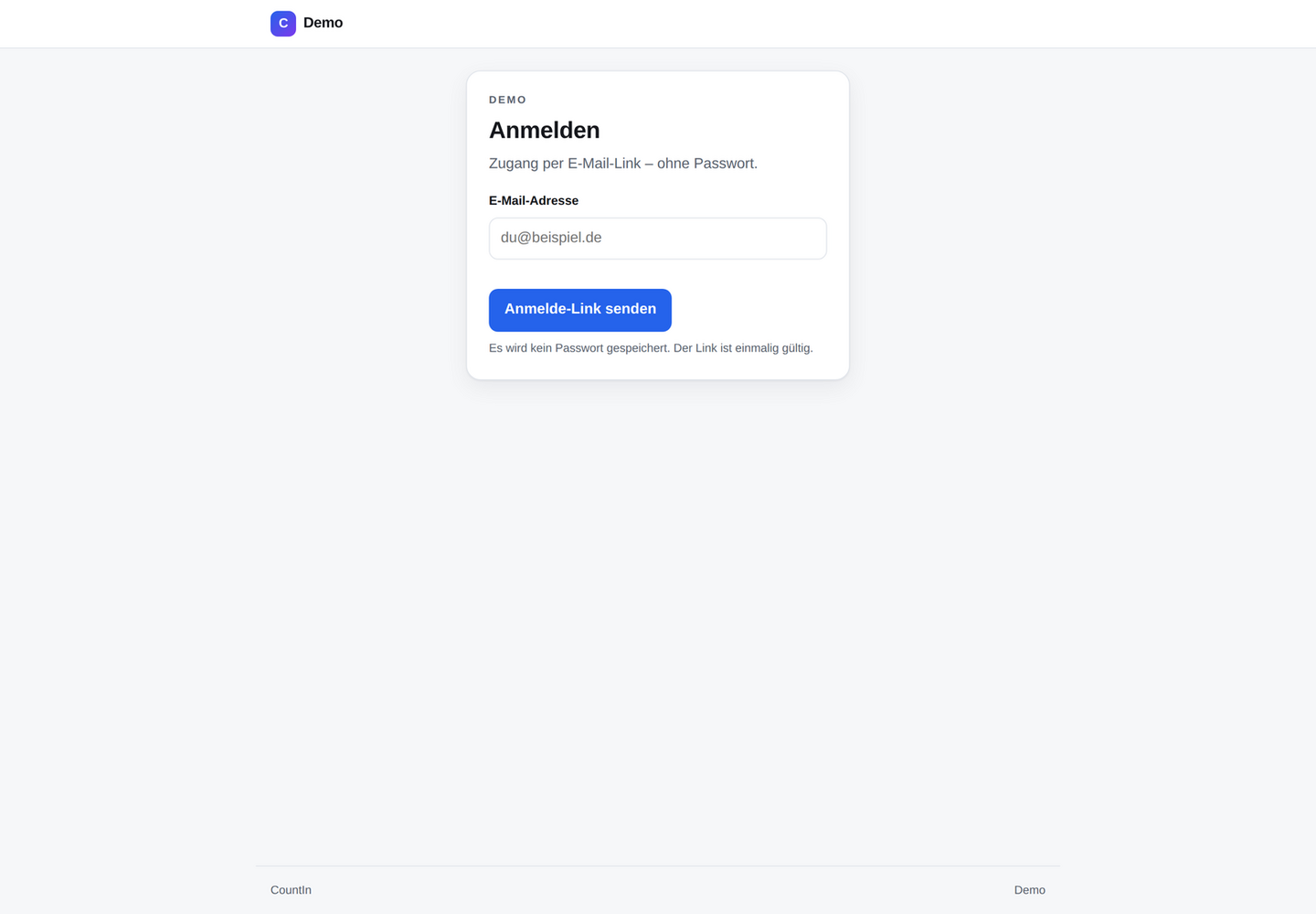
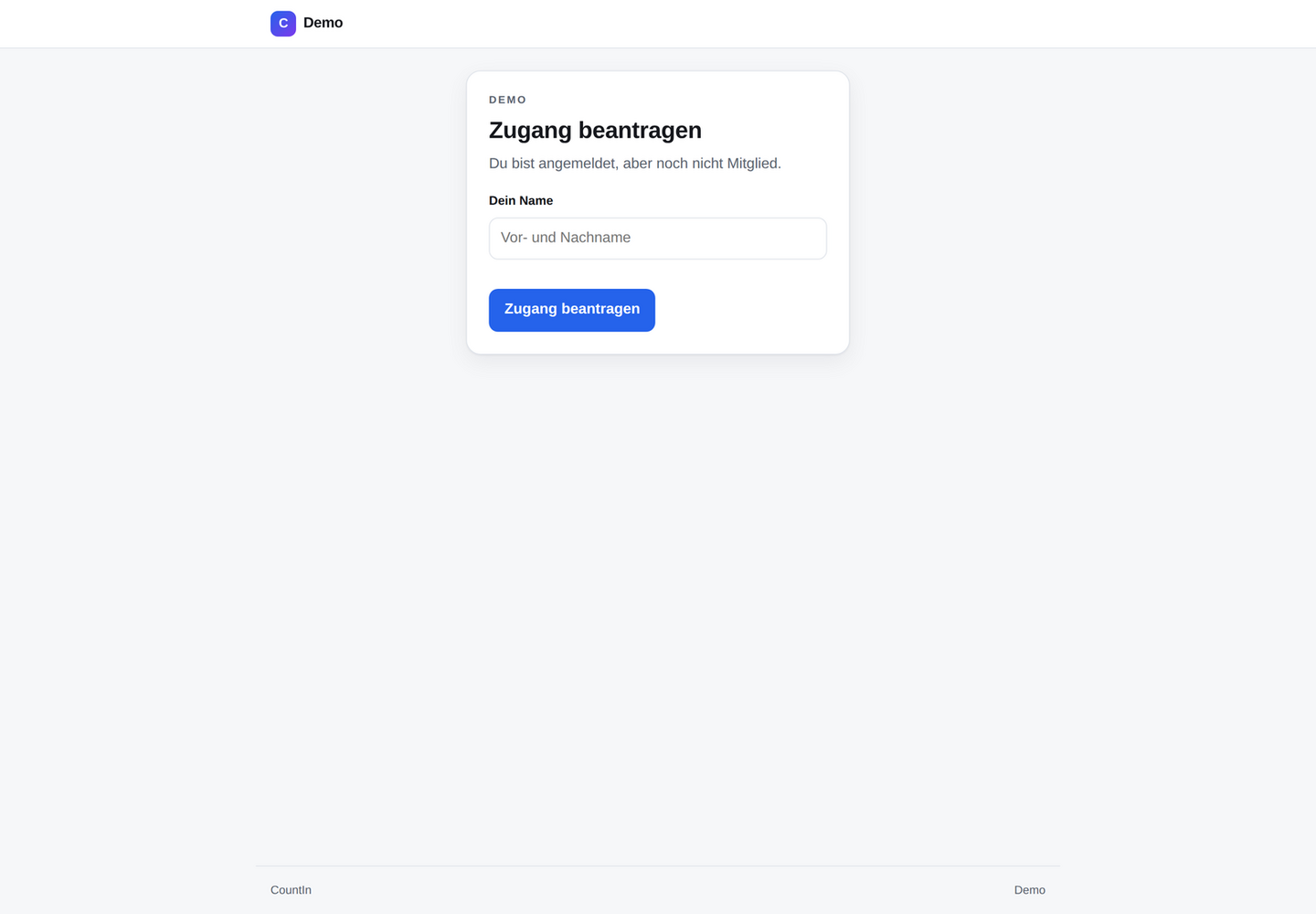
Sign in by e-mail link or 8-digit code. Anyone who is not a member yet requests access with their name; an admin approves or rejects.
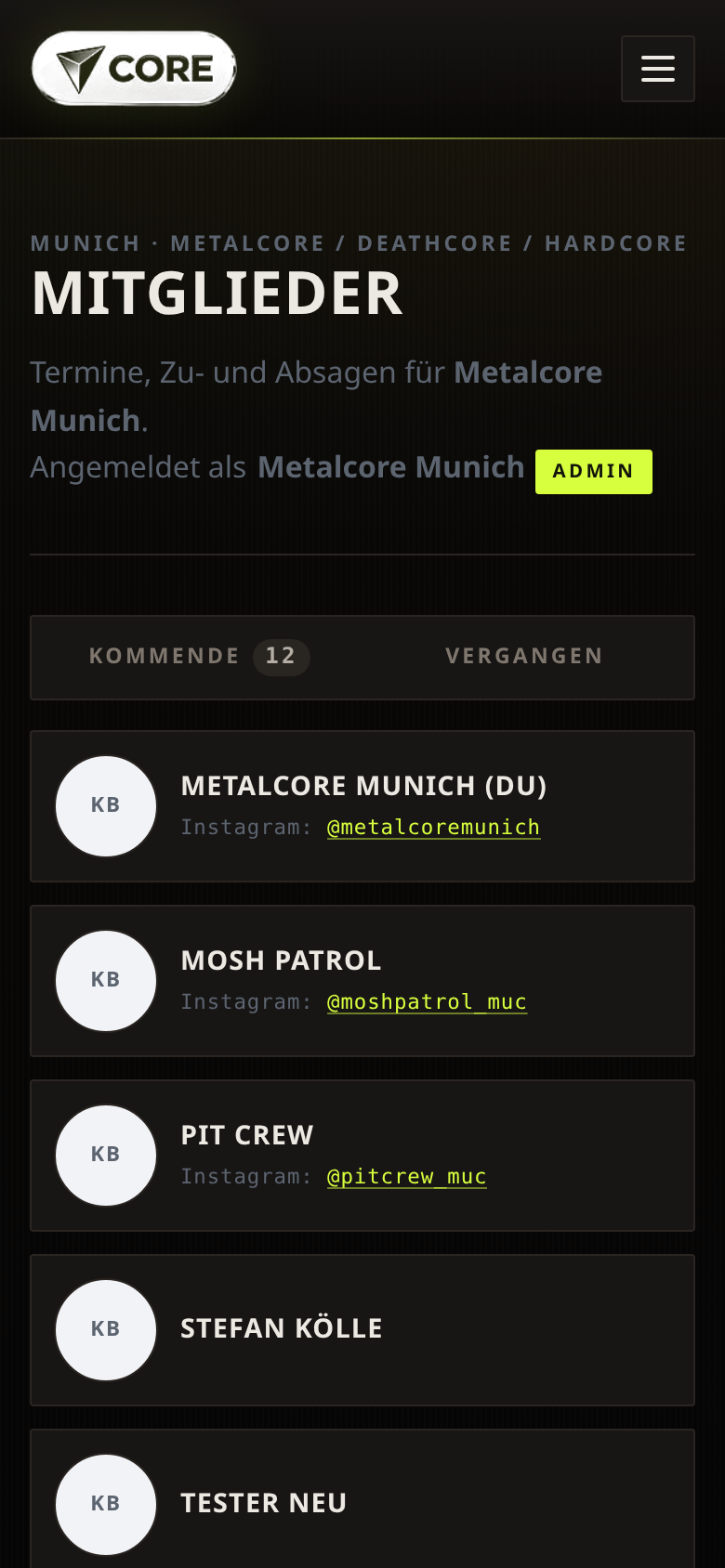
A members view in every team: cards with name and, where provided, a photo. Your own profile is maintained under “Account”.
Member, editor and admin. Open requests on top, approved members below, sortable by name, sign-up or last login. The last admin stays admin.
RSVPs and approval requests trigger mails from an outbox, sent through a small in-house mail endpoint – no third-party service.
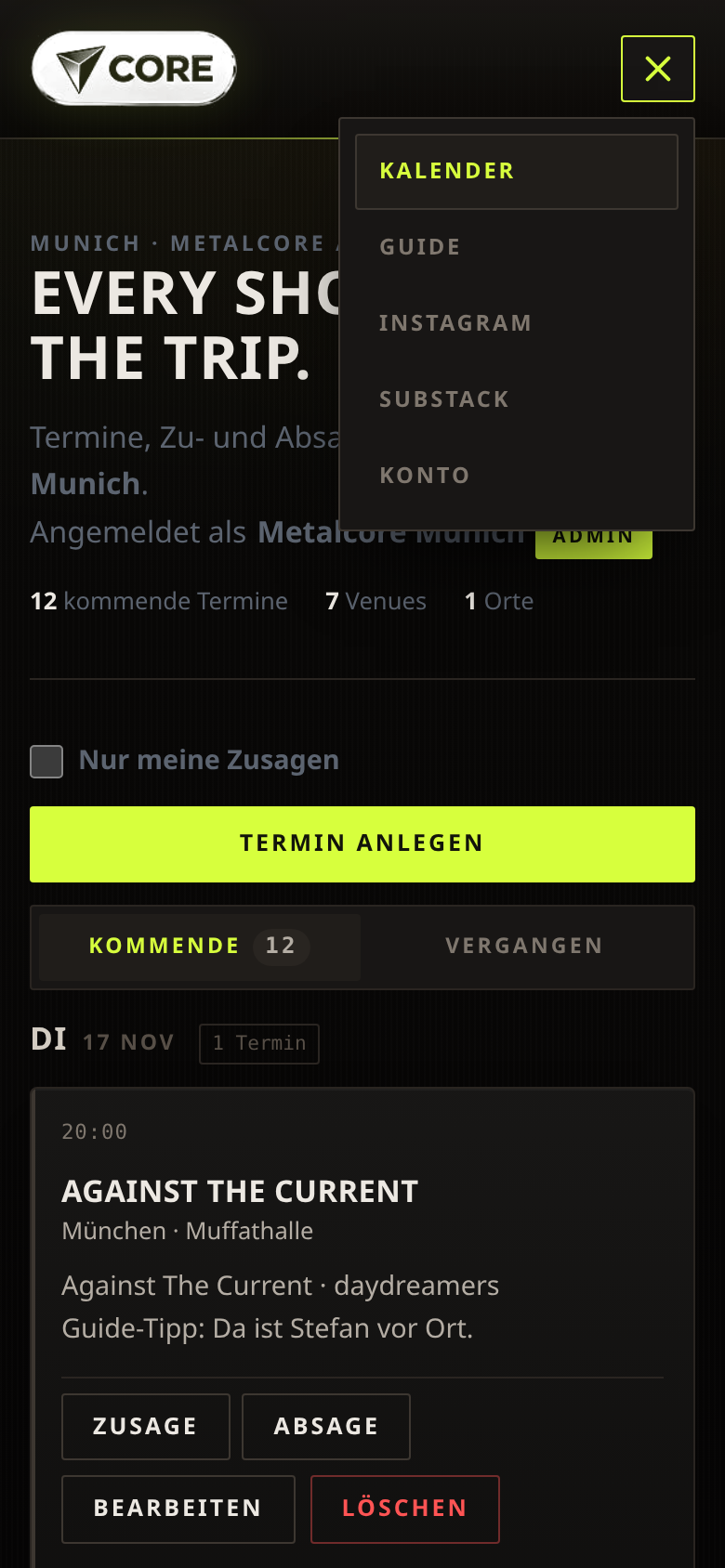
One shared core, several surfaces: light card list, dark timeline with day rails or a layout with four variants. Optional external links in the navigation.
CountIn is a serverless web application. Data lives in a Postgres database with row level security: access rules sit in the database itself, not just in the app. The browser only holds the publishable key; nobody can approve or promote themselves, and other teams stay invisible.
The interface is hand-written HTML, CSS and JavaScript without a framework or build tooling, served through a Cloudflare Worker with strict security headers. No server to run and no nightly maintenance window.
Multi-tenant here means: the path is the team (/demo/, /metalcoremunich/, …). Each page reads its team from the build configuration; switching means opening the other path.
For groups that need events and attendee lists regularly and do not want another platform with password management:
Interested? The demo shows the full feature set, and a dedicated space with its own look is set up quickly.
Sign-in works by e-mail link or code: you enter your email address and receive a link that signs you in for a short time. No password is stored or transmitted.
Only the data required for the service is processed: email address, team membership, display name, events and RSVPs, plus – if provided voluntarily – profile details and photos. Event and profile images live in private storage and are only shown through short-lived signed links.
No data is shared with advertisers. Details and your GDPR rights are in the privacy section; for questions simply email [email protected].
Plan events, collect yes/no responses, see at a glance who is coming. Runs in the browser on phone and desktop, in your own look. Interested? Write to [email protected].